
Welcome to Davis Company
We are a web design agency that has been in business since 2002. We offer a variety of services, including website design, development, and maintenance. Our team of experienced professionals uses the latest trends and software to create custom websites for our clients.
Website Design
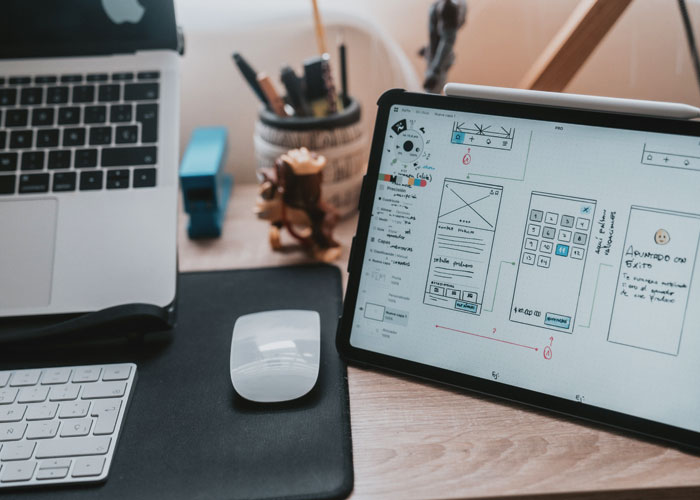
We will work with you to create a custom website that meets your specific needs.
Website Development
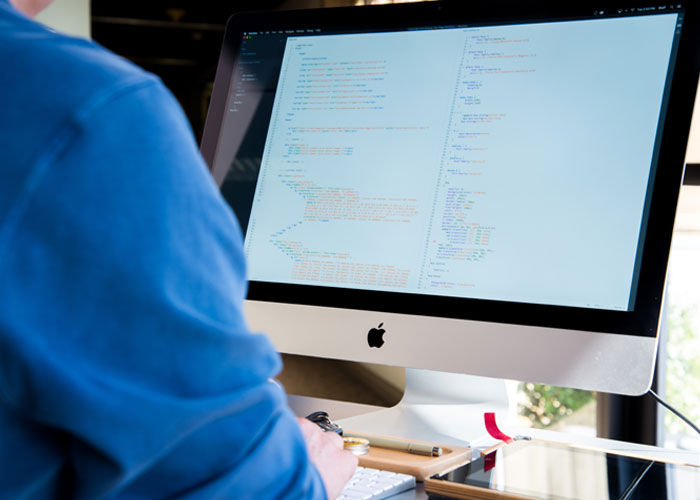
We can help you develop and launch a new website, or we can improve an existing site.
Website Maintenance

We offer ongoing maintenance and support for your website, so you can focus on running your business.
About Us
What Do Web Design Agencies Do?
Web design agencies provide a variety of services to their clients. The most common services include website design, development, and maintenance.
Website design is the process of creating a site that is visually appealing and easy to navigate. A good web design will use colors, fonts, and images that are consistent with the company’s brand.
Web development is the process of coding the website so that it functions correctly. This includes ensuring that the website loads quickly and smoothly, as well as adding features such as contact forms and online chat.
Web maintenance is the process of keeping the website up-to-date with the latest information. This includes adding new content, updating old content, and fixing any broken links or errors.
We pride ourselves on providing quality service and customer satisfaction. “Old but gold, we deliver.”
Our Promise To You
Save time and energy
Great support & services
Risk reduction
Peace of mind
What Makes Davis Company Stand Out From the Rest?
There are a few things that make Davis Company stand out from the rest.
First, we have been in business for over 18 years. This experience has allowed us to perfect our craft and provide quality service to our clients.
Second, we use the latest trends and software to create custom websites for our clients. This ensures that their website is up-to-date with the latest technology and trends.
Lastly, we pride ourselves on providing quality service and customer satisfaction. “Old but gold, we deliver.”
If you’re looking for an experienced web design agency that can create a custom website for your business, then look no further than Davis Company. Contact us today to get started!
Elevate your web designs: Grab a Divi coupon and dive into unparalleled design freedom.
From The Blog
Our Latest Posts
- F-Pattern Layout in Web Design: How It Works and When to Use It
- Sticky Navigation Design: When to Use It and How to Get It Right
- Breadcrumb Navigation Design: Best Practices for Better UX and SEO
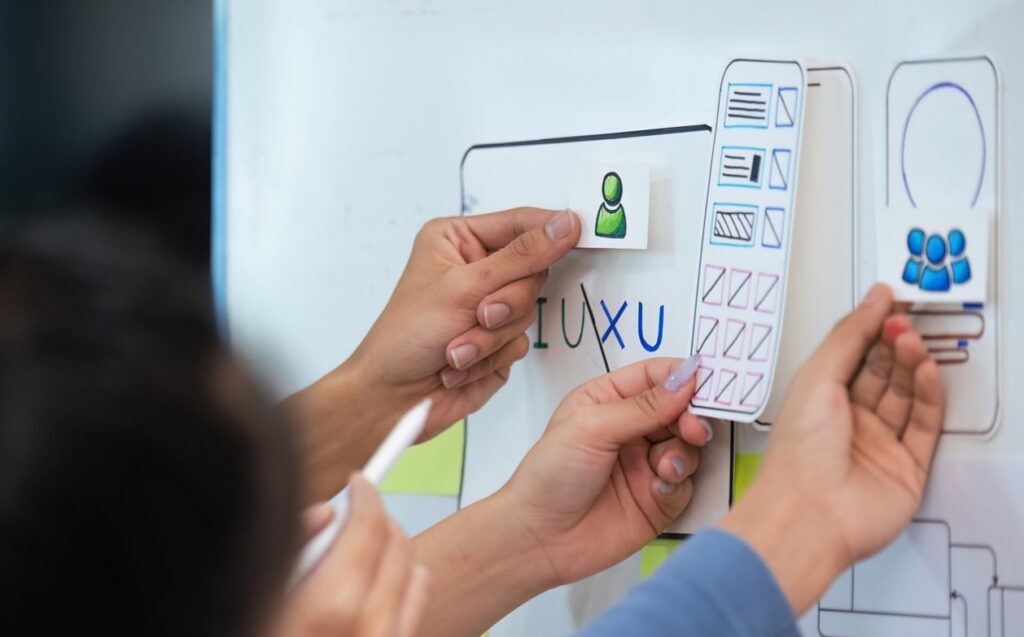
- Website Development vs. Maintenance: Understanding the Key Differences
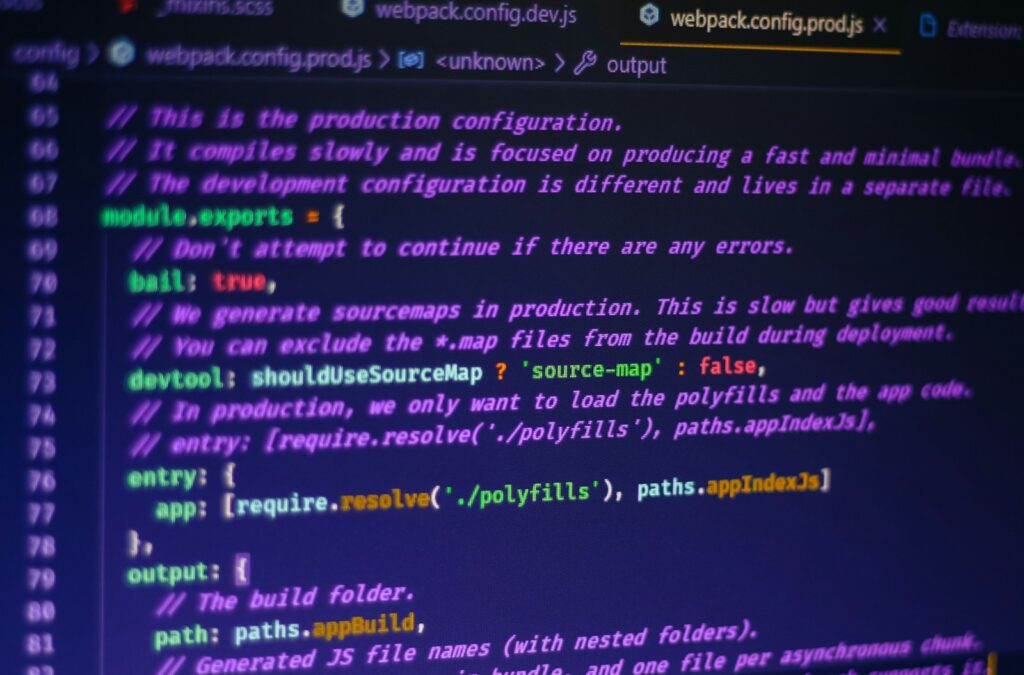
- How Custom Web Design Can Simplify Future Website Updates and Maintenance
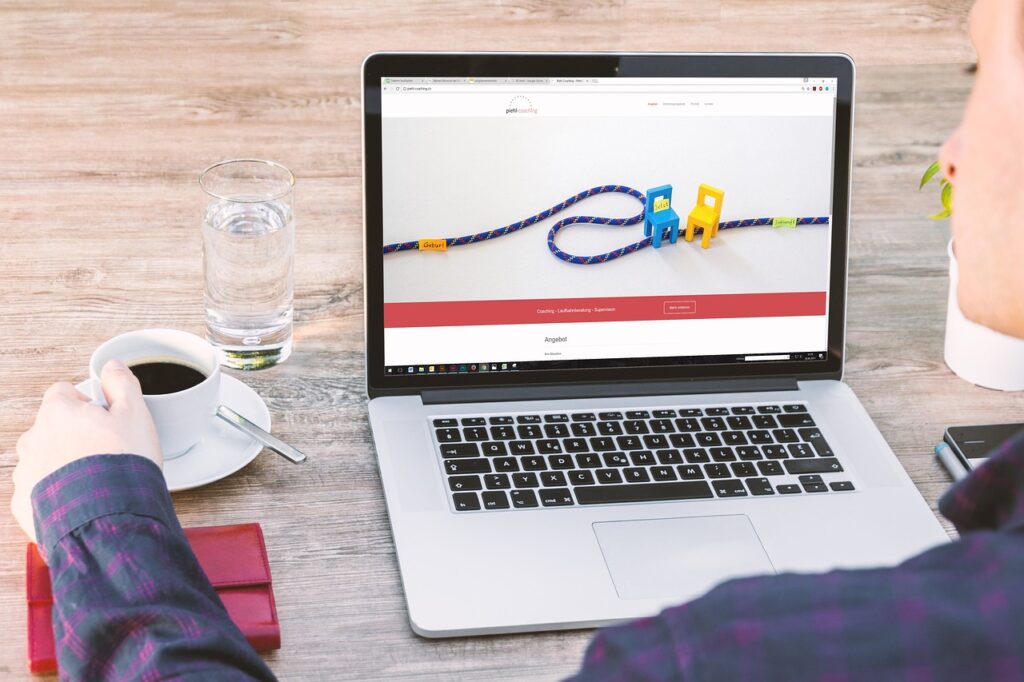
- Top 7 Website Maintenance Tasks to Keep Your Site Running Smoothly

- Top 5 Website Maintenance Tasks to Keep Your Site Running Smoothly

- How to Design an Ecommerce Website That Boosts Sales